03Products
WMS: location, stock and evidence
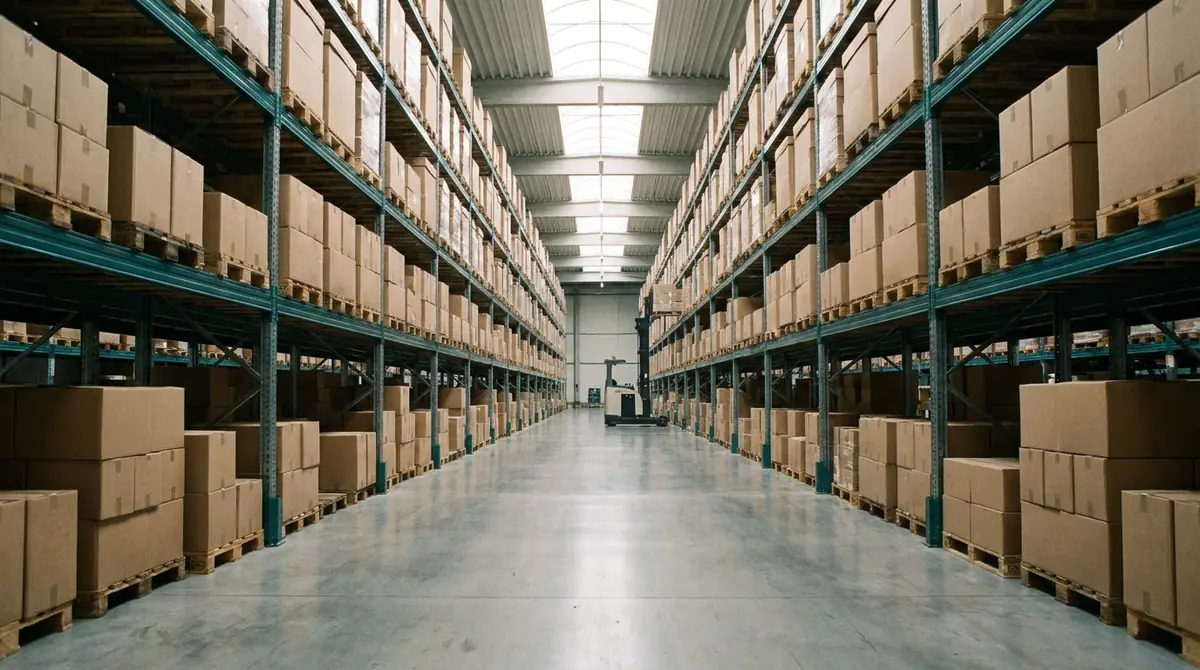
The warehouse management system is live. Stock is booked by scanning into a location hierarchy of aisle, level and bay, and customs-status stock keeps its MRN, status and deadline counters. AI only suggests; a person approves.
How it works
- 01
Receive and scan
Goods are scanned in on arrival, on a phone or a handheld terminal.
- 02
Put away to a location
Every unit is booked to an aisle, level and bay, so the record matches the floor.
- 03
Count and handle
Stock counts and value-added services (VAS) are booked in the same system.
- 04
Dock and dispatch
The ramp calendar plans the docks and measures waiting time at the ramp; the Ramp TV shows the queue.
- 05
Release with four eyes
At dispatch the four-eyes rule applies. The evidence file stays in a read-only archive for seven years.
What is covered
Location hierarchy
Aisle, level, bay.
Scan-based receipt and dispatch
Stock in and out by scanning.
Counting and VAS
Stock counts and value-added services.
Ramp calendar and Ramp TV
Dock planning, waiting-time measurement and a queue display; kiosk for check-in.
Bonded and customs-status stock
MRN, status and deadline counters per record.
Evidence and archive
Evidence file, seven-year read-only archive, four-eyes rule at release.
Questions about this product
- Is the WMS live?
- Yes.
- Which devices does it run on?
- iPhone (TestFlight) and Android, including Zebra handheld terminals (APK).
- Which languages does it support?
- Turkish, English, Dutch and Azerbaijani.
- What does the AI do in the warehouse?
- It only suggests. A person approves every action that matters.
- How is bonded stock handled?
- As a record with MRN, status and deadline counters, so a deadline cannot be missed unnoticed.
Want to see it working?
Ask the assistant a few short questions about your operation, or leave a request in the early-access form. The form is a prototype for now and sends nothing.